Desktop
Use a modern desktop browser with a mouse and keyboard. Enable sound, choose a string, and hold and drag the bow pad. Headphones can help you listen closely.
Confirm your email to begin your free Binteca Arco Music Academy membership.
ABOUT ARCO MUSIC ACADEMY
A welcoming place to explore violin foundations, listen closely and build a consistent practice habit.
Binteca Arco Music Academy brings guided violin exercises, a virtual instrument and a personal learning journal into one place. Start with open strings and grow into simple scales and melodies.
Virtual practice helps with note recognition, listening and coordination. It does not replace a physical instrument, a teacher or feedback on posture and technique.
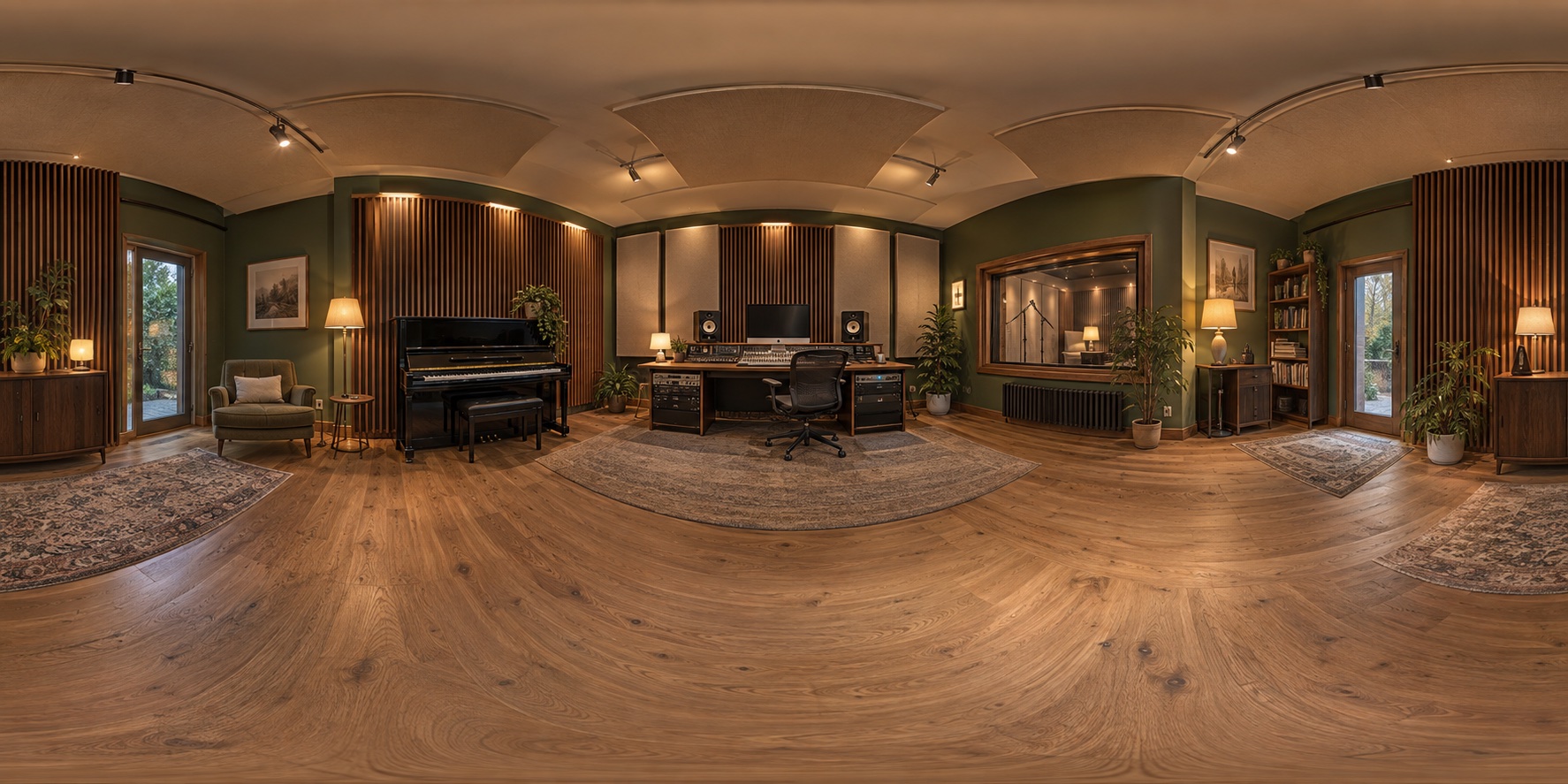
CHOOSE YOUR SPACE
Use a modern desktop browser with a mouse and keyboard. Enable sound, choose a string, and hold and drag the bow pad. Headphones can help you listen closely.
On a compatible headset with tracked controllers, choose the virtual studio or passthrough. Passthrough availability depends on your headset and browser. Start sound before entering.
Physical-headset validation is still in progress.
Explore the lessons and learn about the academy from your phone or tablet. Creating an account, practising and viewing your journal require desktop or a supported headset.
Yes. Registration is free and does not require payment details. Verify your email before signing in.
Your saved lessons, exercise progress and active practice history. You can resume a lesson and download your practice report as a CSV file.
Yes. After signing in, add a passkey from My Learning. Password sign-in remains available for browsers without passkey support.
Recordings stay in your browser and can be downloaded as WAV files. Tutor questions and current lesson text are sent to OpenRouter; audio is not sent to the tutor.
No. The guided exercises measure virtual pitch and sustain, not physical violin technique or professional proficiency. Continue physical study with a qualified teacher.
Virtual practice supports notes, listening and coordination. Physical violin technique needs a real instrument and qualified instruction.
OUR SOUND SOURCES
The acoustic piano uses Alexander Holm’s Salamander Grand Piano under CC BY 3.0, with measured playback tuning calibration. Arco selects two dynamic layers, trims and resamples recordings and compresses them for browser playback. Original source.
The acoustic violin uses Sam Gossner and Simon Dalzell’s VSCO 2 Community Edition under CC0. Arco selects soft and strong natural-vibrato recordings, trims/resamples them and adds crossfaded sustain loops. Detached and short strokes use playback envelopes, not separate recorded articulations. Original source.
The straight-tone practice option retains the generated ElevenLabs bank. Hand models are original Blender-built teaching illustrations; their animation does not assess physical technique.